
Natural typed orders
Customers type the order. You run the business.
No product catalogue browsing in WhatsApp. Customers scan your QR, type naturally, and orders appear on your dashboard. Separately, share finished invoices on WhatsApp.
WhatsApp Order
Typed orders, not catalogues
Example: “2 Crocin, 1 ORS, 1 Dettol, ghar pe deliver kar dena.” MyBillingApp receives it for your team to process.
WhatsApp Order
Dashboard control for the business owner
See the customer, items, and delivery type — then accept or reject with clear actions.
Business Dashboard
Sales
₹60k
Bills
₹60k
Dues
₹48k
How it works
WhatsApp ordering flow
- 1
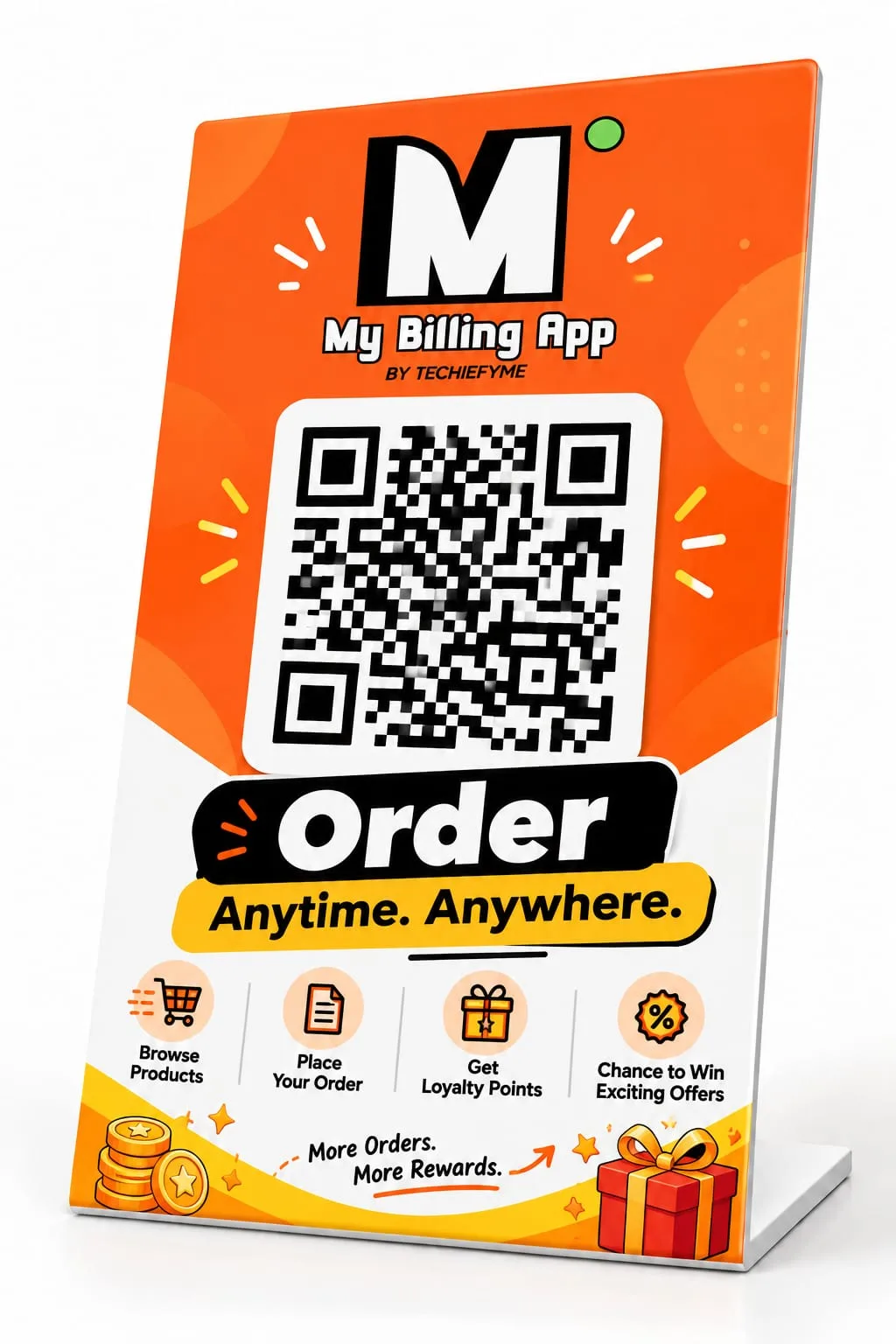
Customer scans your MyBillingApp QR
- 2
WhatsApp opens to your business chat
- 3
Customer types the order naturally
- 4
Order appears on your dashboard
- 5
Accept, process, and update the customer
Benefits
Ordering and invoice sharing — kept separate
Works across Medical, Kirana, Restaurant, Cafe, Cloud Kitchen, Retail
Dashboard accept / reject
Customer updates
WhatsApp invoice sharing (separate from ordering)
QR standee customer engagement
FAQ
FAQ
Do customers browse a catalogue in WhatsApp?
No. They type the order in plain language — that is the product concept.
Is invoice sharing the same as ordering?
No. Ordering brings customer requests into your dashboard. Invoice sharing sends a finished bill.
Create your first bill today.
Start with a free bill. Add wallet balance when you are ready.