
01
Slow Table Billing
Handwritten bills at a busy table delay the next seating.
RESTAURANTS
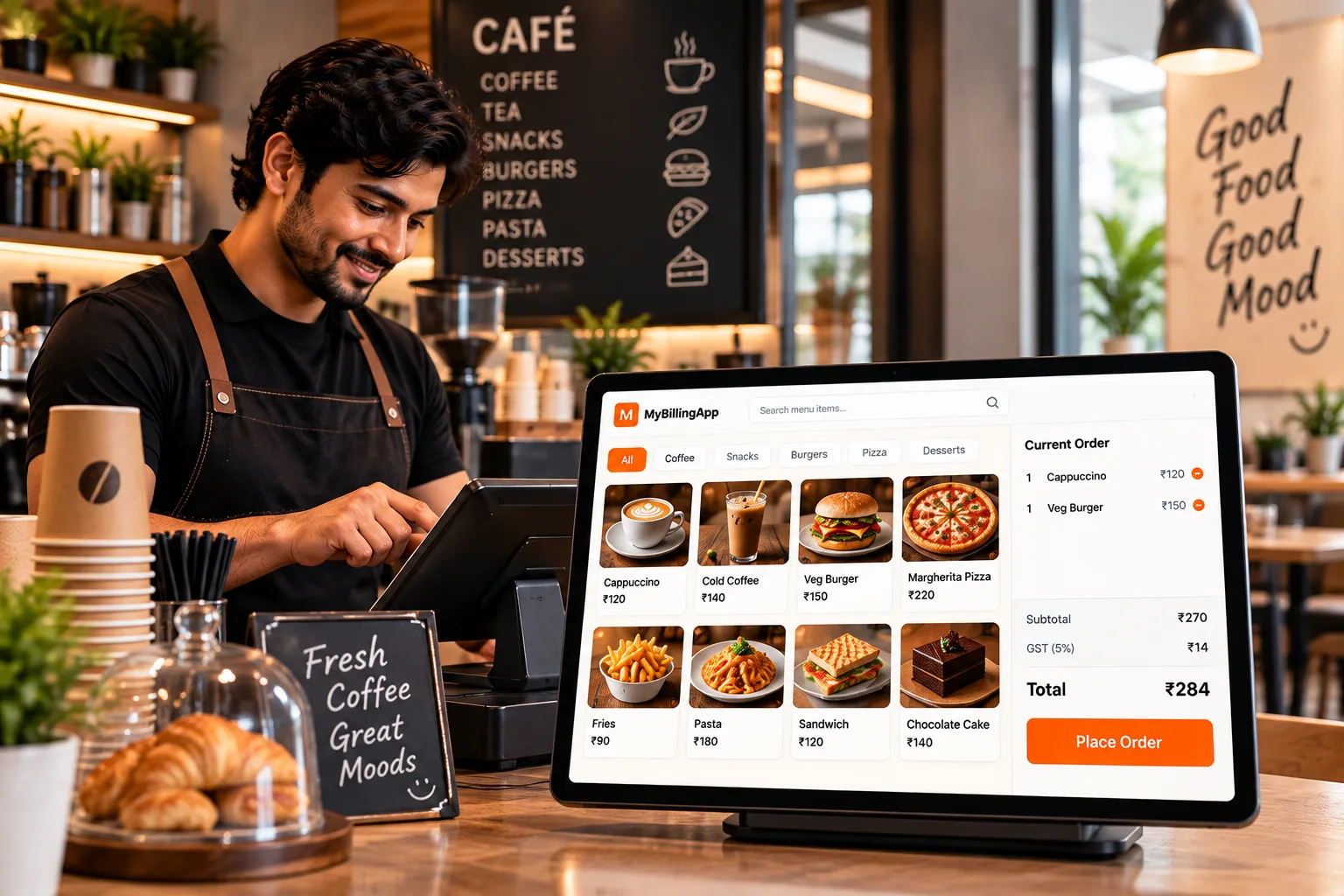
POS billing, tables, floor view, KOT and kitchen status, menu, payments and GST — from the order to the bill on one screen.
Restaurant POS with tables and KOT
COMMON CHALLENGES
MyBillingApp connects the table, the KOT and the bill so the kitchen is not waiting on a paper slip.
Handwritten bills at a busy table delay the next seating.
The kitchen hears the order late, so food waits and guests ask again.
Paper KOTs get lost between the floor and the kitchen pass.
Occupied, free, transferred and split tables are hard to see at a glance.
Cash, UPI and card sit in different notes, so the day does not close cleanly.
KEY FEATURES
Built for dine-in service: floor, kitchen tickets, menu, payments and GST.
Bill a table with items, taxes and payment without leaving the floor view.
Run the menu, modifiers and open orders from the same POS.
See occupied and available tables, and transfer, merge or split a table when the party changes.
Take payment, apply GST and keep a clear record of the shift.
Send a KOT to the kitchen and follow it from preparing to ready.
Keep regular guests and review table sales, items and payments.
POS, TABLES & KOT
Take the order at the table, create the KOT, watch the kitchen, then bill and collect payment. Guests can also message a food order on WhatsApp.
“TABLE 12”
KOT #48
Table 12 is ready. Collect payment and close the bill.
TABLE 12
KOT CREATED
Kitchen
Preparing
Ready
Bill / Payment
HOW IT WORKS
Add your outlet, tax and payment modes.
Build the menu and lay out the floor.
Punch the table and send the ticket to the kitchen.
Collect payment, close the table and read the shift report.
BUILT FOR FOOD SERVICE
Fine Dining
Casual Dining
Cafe
QSR
Cloud Kitchen
Bar & Restaurant
Food Court
Multi-outlet
FREQUENTLY ASKED QUESTIONS
Yes. Bill tables on the POS and send a KOT to the kitchen from the same order.
Yes. The floor shows occupied and available tables.
Yes. Move a party, join tables or split a bill when guests pay separately.
Yes. Follow the KOT from created, to preparing, to ready, then to the bill.
Yes. Menu items, GST billing and payments stay on the POS.
Yes. A guest can send the order in plain language. You still run KOT and billing inside the POS.
Yes. Review bills, payment modes and item sales for the shift.
Yes. It fits a compact cafe floor and a larger restaurant with more tables.
READY FOR SERVICE?
Join restaurants using MyBillingApp for the floor, the kitchen and the bill.
Simple & Affordable Pricing
₹1 = 1 BILL
Subscription required to unlock billing.
Pay only for what you use.